





If you feel like you’ve run out of things to watch, a VPN might be the easiest upgrade you can make to your streaming setup.
Because we’ve all felt the frustration of finishing one thing, only to get stuck on what to watch next. But VPNs, like ExpressVPN for example, can help you explore more content by letting you browse as if you’re in another country.
Meaning, you can finally stream shows that are popular overseas, without a stressful setup or having to be tech-savvy.
What is a VPN?
A VPN, which stands for “virtual private network”, is a secure piece of tech that connects your device to the internet.
It works to protect your online privacy and data by hiding your IP address and physical location from websites, hackers, and your internet service provider (ISP).
In a nutshell, your data becomes much more secure, and it makes it harder for someone to track what you’re doing online.
It also lets you browse as if you’re in another country, so you can explore more content (ie, more TV shows).
What to look for in a VPN for streaming
When picking a VPN for streaming, these are some of the most important factors to keep in mind:
- How fast the speed is (ie, no buffering)
- How well it works with streaming platforms
- Is it easy to use
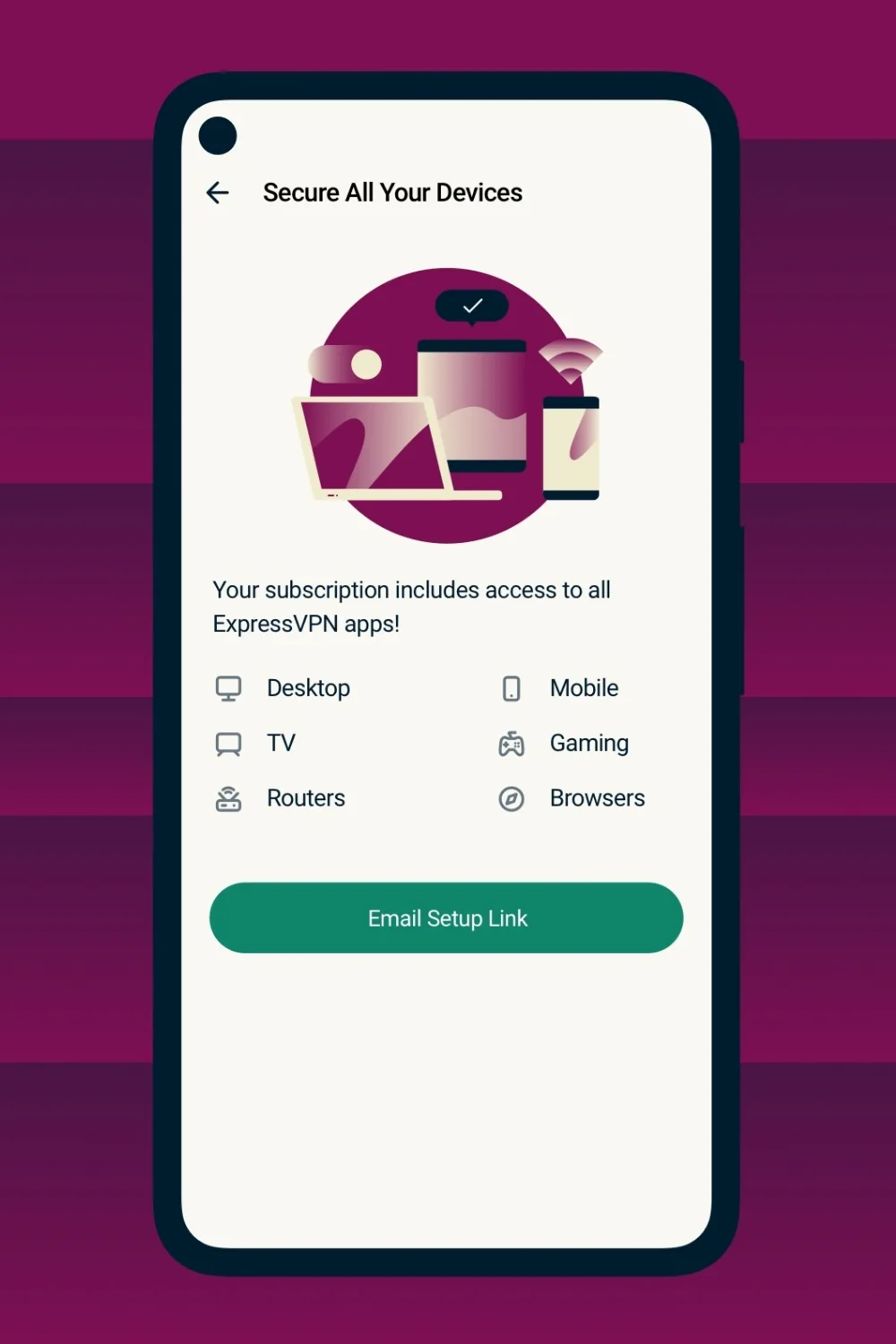
- Does it work on multiple devices
The best VPNs for streaming in Australia
Now that you know the basics, here are some of the top VPNs in Australia that are recommended for streaming.
ExpressVPN
Best overall for streaming
ExpressVPN stands out for being one of the easiest and safest options in Australia, making it ideal for beginners.
Set up is simple. All you need to do is sign up for a subscription (which you can do online here), download the app for your device, and sign in.
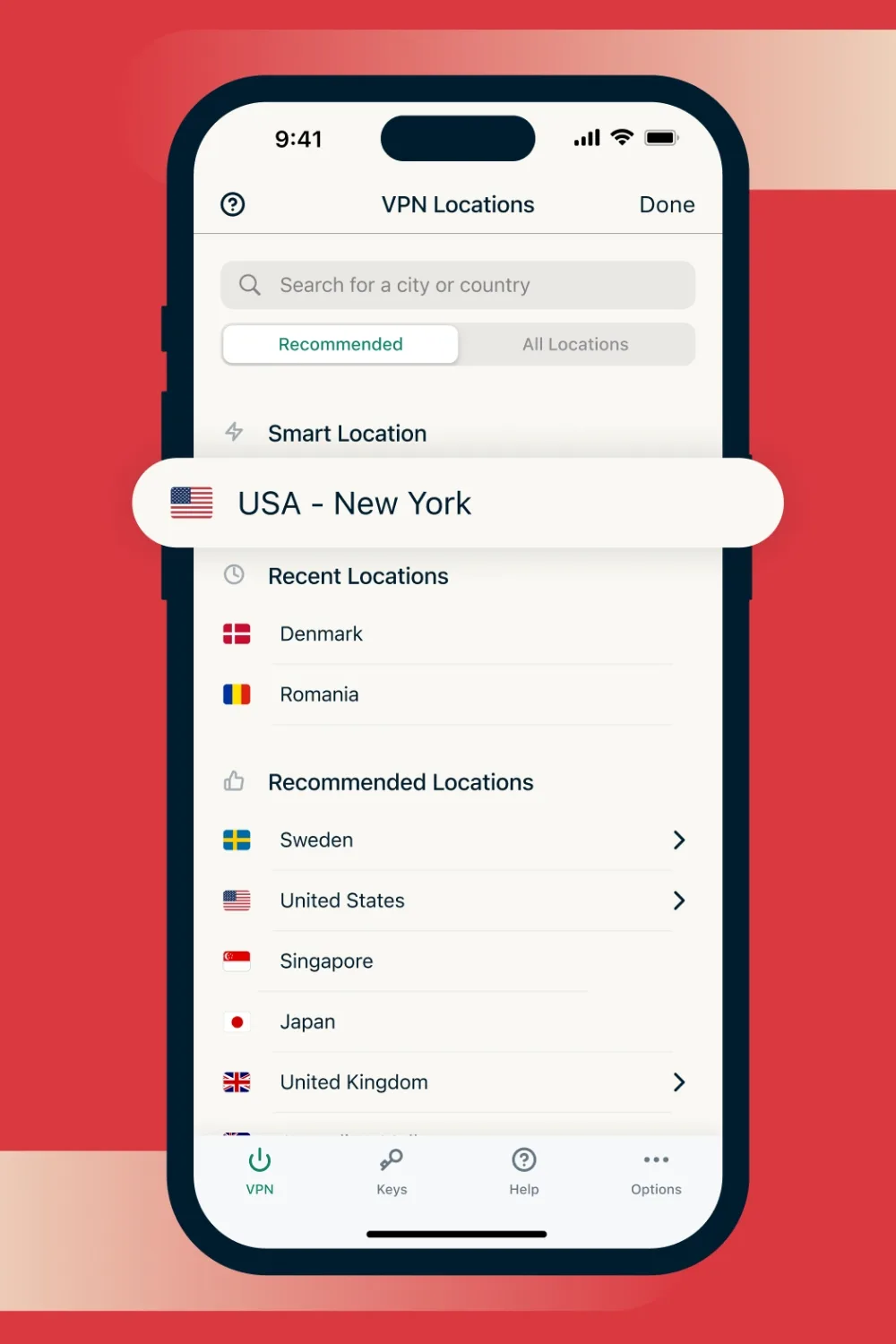
Once you’re in, hit the on button to instantly connect to a recommended server, or select a specific country from the list to change your location.
Key benefits:
- Fast, reliable streaming
- Works with major platforms
- Beginner-friendly
- Multi-device
- Dedicated router app
NordVPN
NordVPN is another VPN commonly used by Australians. It’s great for all-around security, but is better suited for mobiles.
It has 9,300+ VPN servers covering 211+ locations, and can be used on up to 10 devices at the same time.
Surfshark
Surfshark is a more budget-friendly option, making it ideal if you need to protect a large household on a budget, as it allows unlimited device connections.
You can also sign up for 30 days risk-free, meaning if you decide the service is not for you, you can get a full refund within 30 days.
How to use a VPN for streaming
If you’re new to VPNs, don’t worry, they’re much easier to use than they sound.
All you have to do is create an account, download the app and then connect to a server in the country where the show or movie is available. So, if it’s UK-based content you’re after, you would choose that region.
All that’s left to do is open your streaming service, and the catalogue of content will update to reflect that region.
It is important to note that streaming libraries vary by region, and access via VPN may not work in all cases.
Is it legal and safe to use a VPN?
Using a VPN in general is legal. People tend to use them for security and privacy reasons, as they block your IP address.
But the legality does depend on what else you use it for.
Streaming services like Netflix or HBO Max license content by region. If you use a VPN to access a foreign catalogue for one of your subscriptions, you may be breaching your terms of service.
So, while it’s not a crime to access geo-blocked content via VPN, it can be a breach of copyright.
Most VPNs will slow down your internet, due to the time it takes to encrypt and decrypt your internet traffic and for your data to move from your device to the VPN server and back.
But, premium VPNs like ExpressVPN usually offer better infrastructure to minimise internet dropouts, making them worth the price.
Yes, you can use a VPN on your TV, making it super easy to stream your shows or movies at home.
Depending on your TV, you may need to download the app of your VPN, or install the VPN on a router using a streaming device (Fire TV, Apple TV), or set up a VPN-protected hotspot from a computer.
Setting up a VPN is very easy. All you need to do is sign up for your chosen VPN service, download the app, and connect it once you’ve logged in.
Since most VPNs are quite simple to set up, you don’t need to be tech-savvy to use them.
If you’re curious, ExpressVPN is one of the easiest options to try.

Related stories

Native ad body.

Native ad body.




Native ad body.